What Is an MCP Server, and Why It Matters for Social
An MCP server is a small program that tells an AI agent what actions it can take, then runs those actions when the agent asks. That is the whole idea. The Model Context Protocol, introduced by Anthropic on November 25, 2024 (Anthropic), gives an AI application a standard way to plug into an outside tool, discover the tool’s capabilities at runtime, and call them. Before MCP, wiring a model to a new system meant writing custom glue for every pairing. After MCP, the tool exposes one server and any compatible agent can drive it.
I run a social media publishing tool with an agent bridge built in, and I ship an MCP server on purpose. So I will explain the protocol in plain language, then be specific about why it matters for social media in particular, and where I think most people get it wrong. Every fact about MCP below is attributed to a named source. The opinions are marked as mine.
An MCP server is a menu of actions an agent can read and call
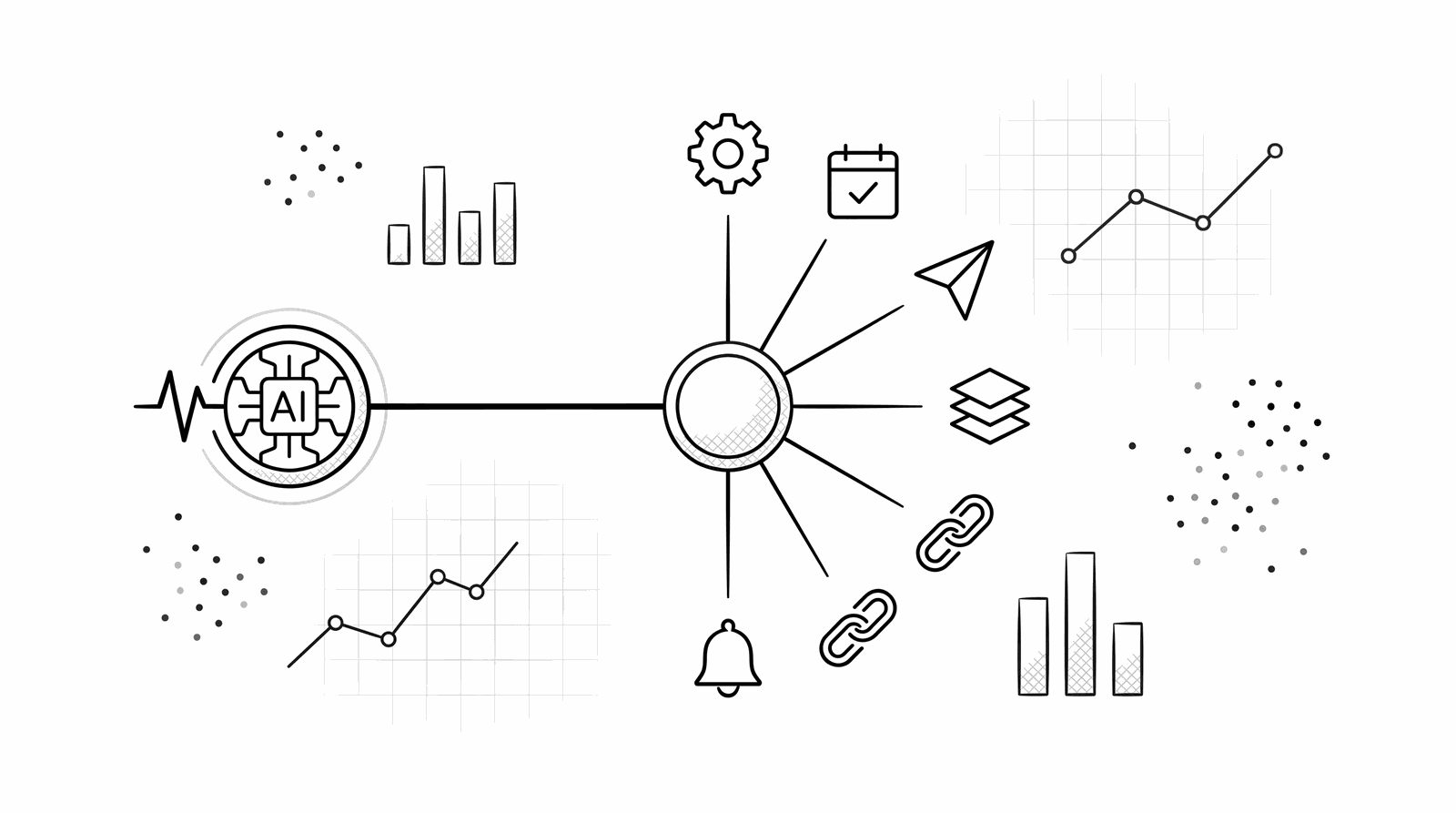
The cleanest way to picture it: an MCP server publishes a menu. The agent reads the menu, picks an item, and the server does the work. No screen-scraping, no guessing.
modelcontextprotocol.io puts the whole thing in one sentence: “MCP (Model Context Protocol) is an open-source standard for connecting AI applications to external systems.” And the analogy they lead with is the one worth keeping in your head: “Think of MCP like a USB-C port for AI applications. Just as USB-C provides a standardized way to connect electronic devices, MCP provides a standardized way to connect AI applications to external systems” (modelcontextprotocol.io).
There are three roles, and they are easy to mix up, so here they are straight from the MCP architecture docs (modelcontextprotocol.io):
| Role | What it is | Example |
|---|---|---|
| MCP host | The AI application that coordinates one or more connections | Claude, ChatGPT, an agent you built |
| MCP client | The connector inside the host, one per server | The piece that holds a live link to a server |
| MCP server | The program that provides the actions and data | A social publishing server, a database server, GitHub |
So when people say “an MCP server,” they mean the tool side: the program that offers up capabilities. The agent lives on the host side. The client is just the wire between them.
A server exposes three things: tools, resources, prompts
MCP servers do not expose one blob of “stuff.” They expose three specific kinds of thing, and the one that matters most for taking action is called a tool.
Per the MCP architecture spec, a server can offer three primitives (modelcontextprotocol.io):
- Tools: “Executable functions that AI applications can invoke to perform actions (e.g., file operations, API calls, database queries).” This is the verb. For social media, a tool is
schedule a postorcreate a draft. - Resources: “Data sources that provide contextual information to AI applications (e.g., file contents, database records, API responses).” This is the read side. Think: your connected accounts, your existing queue.
- Prompts: “Reusable templates that help structure interactions with language models (e.g., system prompts, few-shot examples).” This is a canned recipe the server can hand the agent.
The important part for our purposes is tools. A tool is a named action with a typed input schema. The agent does not need to know how it works inside. It just needs to know the name, what it does, and what arguments to pass.
The agent asks what is available, then calls it
Here is the mechanic that makes MCP feel different from a normal API. The agent does not read a static doc and hard-code endpoints. It asks the server, live, “what can you do?” and gets a machine-readable answer back. Then it calls what it needs.
MCP runs on JSON-RPC 2.0 (modelcontextprotocol.io). Discovery is a single request. The agent sends tools/list and the server answers with every tool, each with a name, a description, and an inputSchema. This is the actual shape, straight from the spec:
{
  "jsonrpc": "2.0",
  "id": 2,
  "method": "tools/list"
}
The server responds with the menu. Each entry looks like this (again, the exact structure from the MCP docs, with a social example in place of the docs’ weather sample):
{
  "name": "schedule_post",
  "title": "Schedule a post",
  "description": "Queue a post for one or more connected accounts at a given time",
  "inputSchema": {
    "type": "object",
    "properties": {
      "text": { "type": "string" },
      "channels": { "type": "array", "items": { "type": "string" } },
      "publishAt": { "type": "string", "description": "ISO 8601 time" }
    },
    "required": ["text", "channels"]
  }
}
To take the action, the agent sends tools/call with the tool name and arguments:
{
  "jsonrpc": "2.0",
  "id": 3,
  "method": "tools/call",
  "params": {
    "name": "schedule_post",
    "arguments": {
      "text": "Ship day. New export flow is live.",
      "channels": ["linkedin", "x"],
      "publishAt": "2026-06-16T14:00:00Z"
    }
  }
}
The tools/list and tools/call method names above are exactly the MCP protocol. The schedule_post tool name and its schema are illustrative, written to match the shape of PostSider’s publishing actions. For the exact tool names and fields on our server, the MCP docs are the source of truth. Point is the pattern, not my field names: the agent discovers the verb, reads its schema, and calls it. No screenshot, no clicking, no guessing which button moved in the last redesign.
Here is the same flow as a diagram. One host, one client per server, and servers exposing tools the agent can call.
Two transports carry those messages, and the distinction matters for social tools. Stdio runs the server as a local process on your machine. Streamable HTTP runs it remotely over the network, and MCP “recommends using OAuth to obtain authentication tokens” for it (modelcontextprotocol.io). A hosted social platform is a remote server, so the agent authenticates with a scoped OAuth token, not your account password. Hold that thought, because it is half the safety story.
MCP is not a REST API; it wraps one for the agent
The question I get most is “we already have an API, why do we need MCP?” The honest answer: a REST API is built for a developer who reads the docs and writes code. MCP is built for an agent that has to figure the tool out on its own, at runtime. They are not competitors. MCP usually sits on top of the API.
WorkOS put the split in one line I keep coming back to: “REST APIs serve developers. MCP serves AI agents” (WorkOS). And they are explicit that MCP does not replace your API, it layers on it: the typical architecture is agent, then MCP server, then your existing REST API, with the server handling discovery, sessions, and auth while the API keeps serving business logic unchanged. GitHub’s own MCP server is the example: it exposes high-level tools and translates them into GitHub REST calls under the hood.
The differences that actually matter:
| Dimension | REST API | MCP server |
|---|---|---|
| Built for | A developer reading docs | An agent discovering at runtime |
| Discovery | Static docs, read once | tools/list, queried each session |
| State | Stateless, you pass context each call | Stateful session, context maintained |
| Auth | Anything (keys, OAuth, custom) | OAuth recommended for remote servers |
| Design goal | Many granular endpoints | Fewer, outcome-shaped tools |
That last row is the one people botch. WorkOS warns against auto-converting every REST endpoint into a tool, because “a good REST API and a good MCP server have fundamentally different design goals.” A REST API can afford a hundred narrow endpoints; code does not mind. An agent pays for every tool description in its context window, so a good server collapses several endpoints into one outcome-shaped action. schedule_post should do the whole job in one call, not force the agent through four requests. That is a design opinion, and it is mine too.
For social media, the alternative to MCP is an agent guessing at a dashboard
Now the part that is specific to social. Without a real MCP server or API, an agent that wants to post has one option: drive your dashboard like a person, with a browser. That is the brittle path, and the reliability numbers are not kind.
Bright Data’s 2026 roundup on agentic browsers reports success rates that “range from 30% to 89% depending on the tool and task,” and notes that fully autonomous multi-step tasks “still need human-in-the-loop checkpoints” (Bright Data). Worse, browser agents “are fundamentally vulnerable to indirect prompt injection because LLMs can’t reliably distinguish between user instructions and webpage content.” Think about what that means for a tool holding your connected social accounts. An agent reading your dashboard could, in principle, act on text it read off the page. A guidance widely echoed by scraping practitioners is to reach for a structured API first and treat raw UI automation as the last resort (okhlopkov.com).
An MCP server removes the whole failure mode. The agent does not read pixels. It calls schedule_post with typed arguments and gets a typed result. The layout can change, the button can move, the CSS can get rewritten overnight, and none of it touches the agent, because the agent was never looking at the screen. It was calling a contract.
This is why I built PostSider with an MCP server as a first-class surface, sitting next to a REST API and an SDK, all beside the human dashboard. An agent calls the publishing actions over MCP; a person sees, edits, and approves the same posts in the dashboard. If you want to see how the two connection styles compare for this exact job, the sibling piece on AI agents in social media marketing 2026 walks through what real agent access looks like versus a chatbot with an “agent” sticker on it.
MCP is not a niche experiment; the ecosystem is already large
If this still sounds like a research toy, the adoption numbers say otherwise. MCP crossed from “interesting protocol” to “default plumbing” over 2025.
By the December 2025 announcement that MCP joined the Agentic AI Foundation, a directed fund under the Linux Foundation, the project reported “over 97 million monthly SDK downloads” and around “10,000 active servers,” with “first-class client support across major AI platforms like ChatGPT, Claude, Cursor, Gemini, Microsoft Copilot, Visual Studio Code and many more” (Model Context Protocol blog). An open standard governed by the Linux Foundation, supported by every major agent client, is not something you bet against. It is something you build on. That governance move is the tell: MCP is being run like infrastructure now, not a vendor feature.
For a social tool, the practical read is simple. If your agent lives in Claude, ChatGPT, Cursor, or something you built yourself, and your publishing tool ships an MCP server, they already speak the same language. You do not write an adapter. You point the client at the server, authenticate, and the agent can list and call the actions.
Guardrails are what make an agent with publishing rights safe
An MCP server that can post to your accounts is powerful, which is exactly why the server, not the agent, has to hold the line. The protocol gives you the auth story. The rest is on the tool builder, and if a vendor cannot answer these questions, keep your hand off the connect button.
Four guardrails I would insist on before letting any agent touch a live account through MCP:
- Drafts by default. The
create_drafttool should be the easy path, and anything that publishes should be a separate, deliberate action. Nothing goes public by accident. - A human approval gate. The agent drafts and queues; a person approves what goes out. This is the setup that actually works in production in 2026, and it is the one I ship.
- Scoped auth, not your password. MCP recommends OAuth for remote servers (modelcontextprotocol.io), so the agent gets a limited, revocable token. If a tool asks the agent for your login, walk away.
- Rate limits and an audit log. A confused agent in a loop should hit a wall, not send forty posts. And every action the agent took should be written down, so you can answer “what did it do last night.”
None of this is exotic. It is the same discipline you would apply to any system that can act on your behalf: least privilege, a review step, blast-radius limits, and logs. The model is the commodity now. The guardrails are the hard part, and they are what let you hand an agent the keys and still sleep.
The short version, and one question to ask your tool
An MCP server is a menu of named actions a tool offers to an AI agent, over one open standard, so the agent can call schedule_post directly instead of hunting for a button. For social media that is the whole game, because the alternative, an agent clicking your dashboard, tops out around 89 percent reliability at best and carries a prompt-injection risk you do not want near your accounts.
If you want to hand an agent a ready-made playbook instead of wiring calls by hand, our agent skills package the common social workflows so the agent can run them out of the box, and the MCP docs show the exact actions the server exposes. When you are ready to give an agent real, structured access to publishing with the guardrails on from the first post, you can connect one to PostSider over MCP.
So before you trust any tool with “AI agent” on the box, ask the one question the marketing skips: can an outside agent authenticate and call your actions over MCP or a documented API, or is it really just a chatbot pointed at your own dashboard? If it is the second one, what happens the day you redesign that dashboard?
Frequently asked questions
What is an MCP server in simple terms?
An MCP server is a small program that exposes a set of named actions and data to an AI application over the Model Context Protocol. The AI (the client) asks the server what it can do, then calls those actions directly. modelcontextprotocol.io compares MCP to a USB-C port for AI: one standard plug instead of a custom cable for every tool.
Who created the Model Context Protocol and when?
Anthropic introduced the Model Context Protocol on November 25, 2024. It was created at Anthropic by David Soria Parra and Justin Spahr-Summers, and released as an open standard. In December 2025 it became a founding project of the Agentic AI Foundation under the Linux Foundation.
What is the difference between an MCP server and a REST API?
A REST API is designed for developers who read the docs once and write code against fixed endpoints. An MCP server is designed for an AI agent that discovers the available actions at runtime by calling tools/list, then invokes them. MCP usually sits on top of a REST API and wraps it in a form an agent can drive directly.
Why would a social media tool ship an MCP server?
So an AI agent can publish through named actions like create a draft or schedule a post, instead of trying to click a human dashboard. Driving a UI with a browser agent is brittle and unreliable. A dedicated MCP server gives the agent a stable contract and gives you an audit trail of what it did.
Is it safe to let an AI agent publish through an MCP server?
Only with guardrails. Have the server default to drafts, require a human to approve anything public, rate-limit the agent so a loop cannot spam an account, and log every action. MCP recommends OAuth for authenticating remote servers, so the agent gets a scoped token, not your password.
Do I need to code to use an MCP server for social media?
No. If a tool ships an MCP server, you point a client like Claude or another agent at it, authenticate, and the agent can call the actions. PostSider ships an MCP server plus ready-made agent skills so an agent can run common social workflows without you wiring anything by hand.